
Media sync hub
CrossWatch
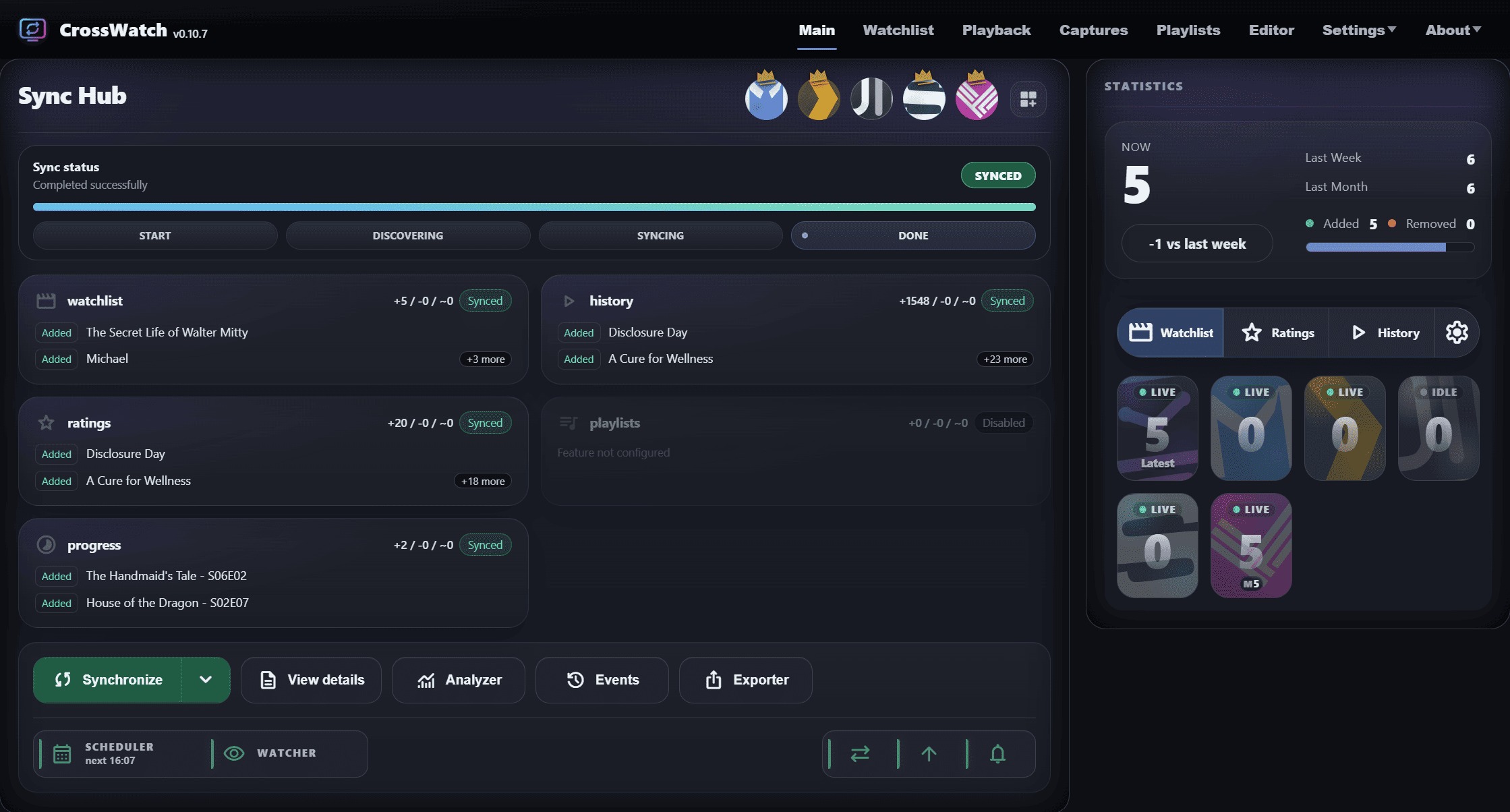
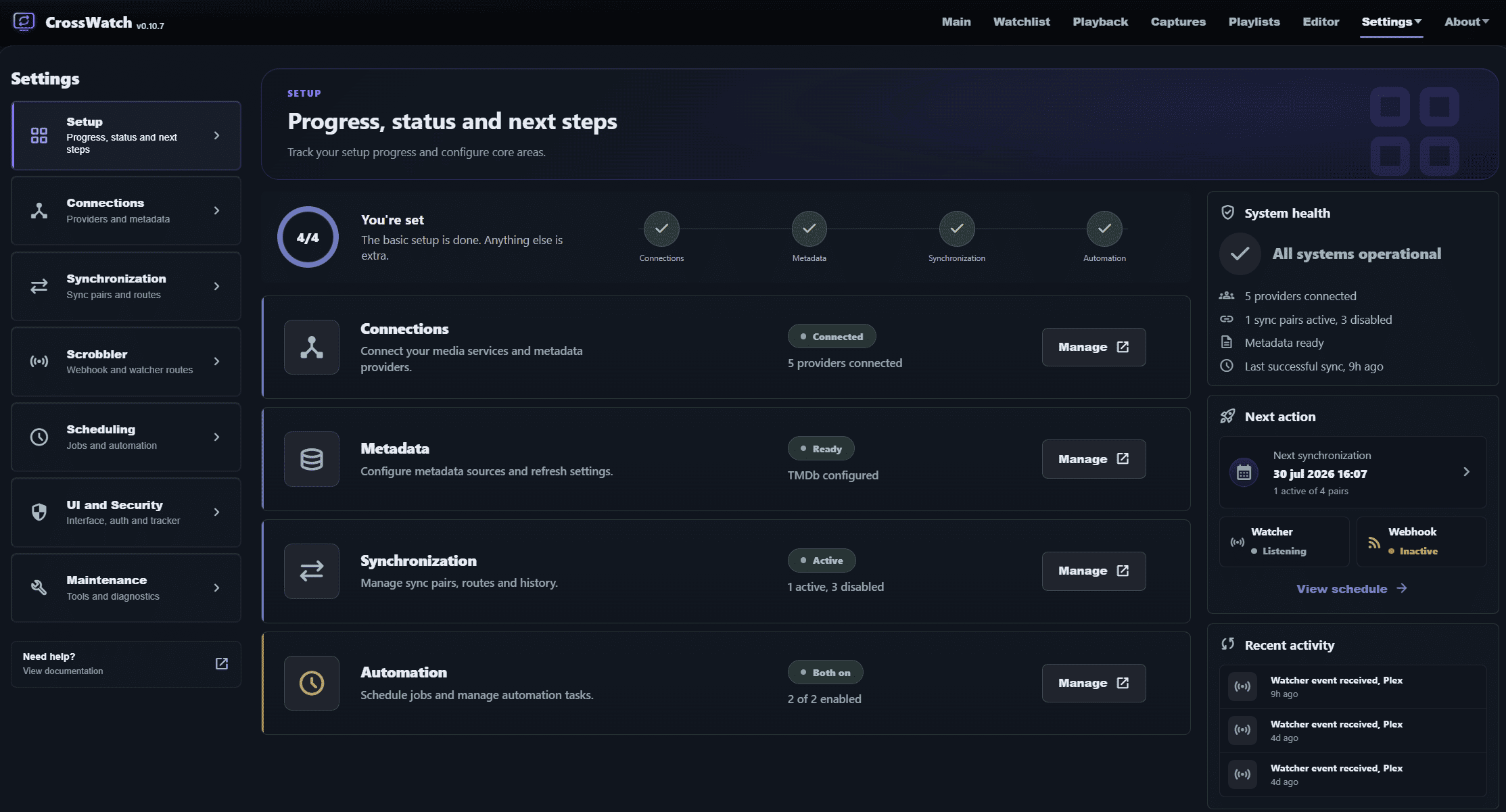
Keep your media servers, media clients and trackers in sync. Review changes before applying them with Interactive Sync.





One control room
Your media state, kept in sync.
CrossWatch (CW) links accounts, profiles, sync pairs, schedules, snapshots, scrobbling routes and repair tools into one local dashboard. Run it for yourself, then create separate profiles for family, friends, servers or tracker setups.
 Emby
Emby
 Jellyfin
 Plex
Plex
 Kodi
Kodi
 Nuvio
Nuvio
 Stremio
 AniList
 MyAnimeList (MAL)
 Kitsu
Kitsu
 CrossWatch
 Floppy
 FlickList
 PunchPlay
 BingeBase
 SCROB
SCROB
 MDBList
 PublicMetaDB
 SIMKL
SIMKL
 Tautulli
 TMDb
TMDb
 Tracearr
 Trakt
Trakt
 WeTrakr
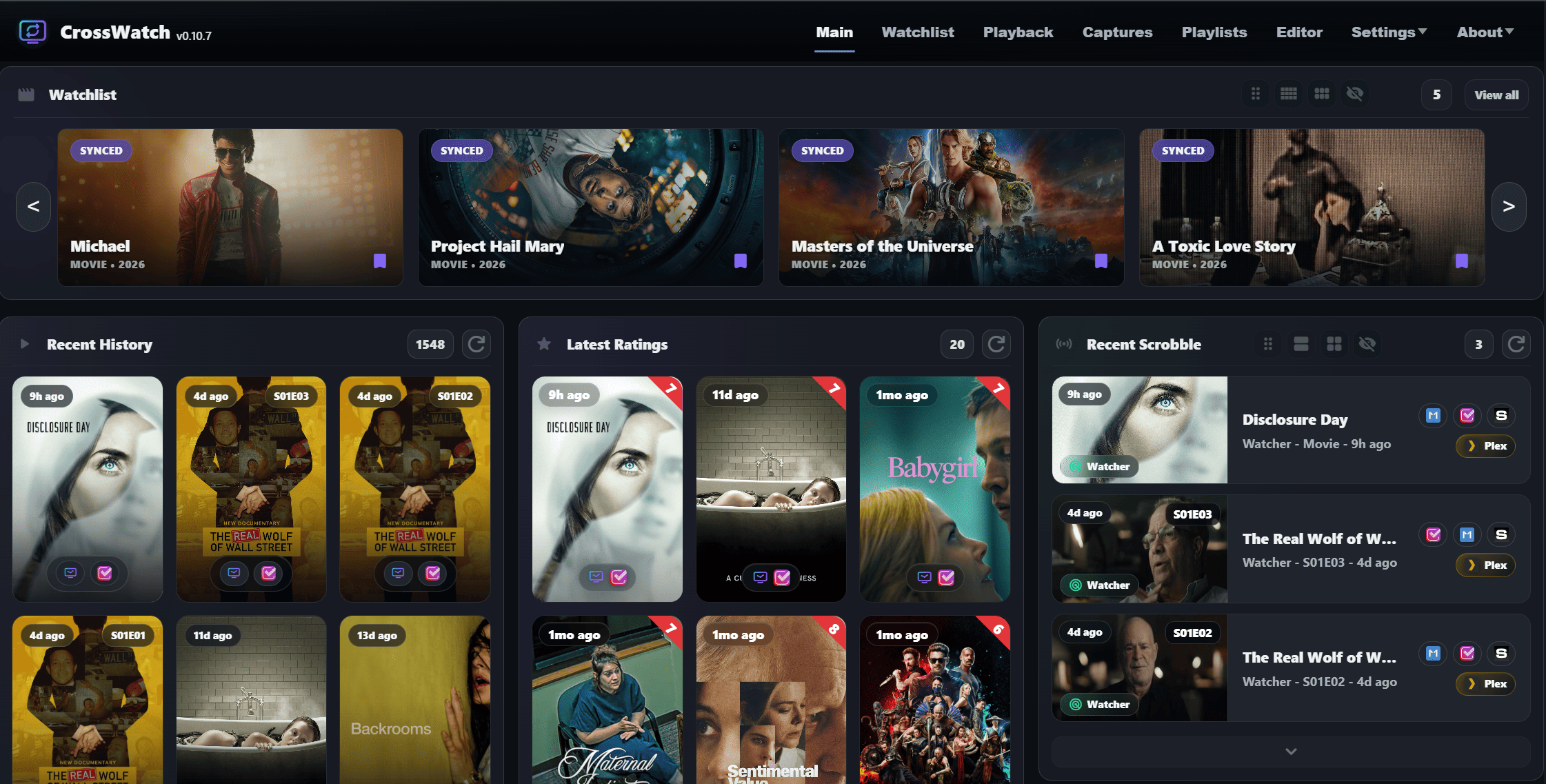
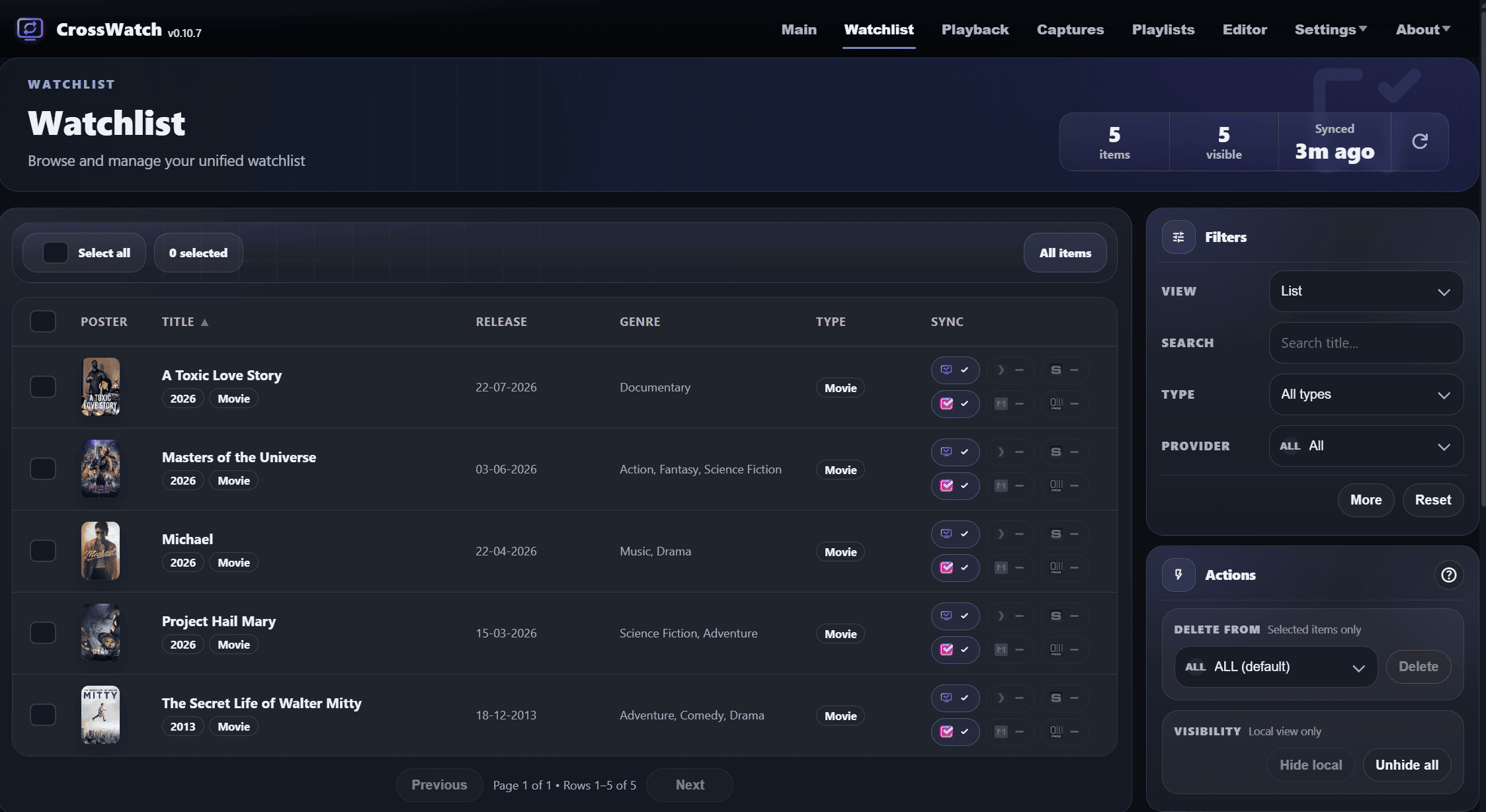
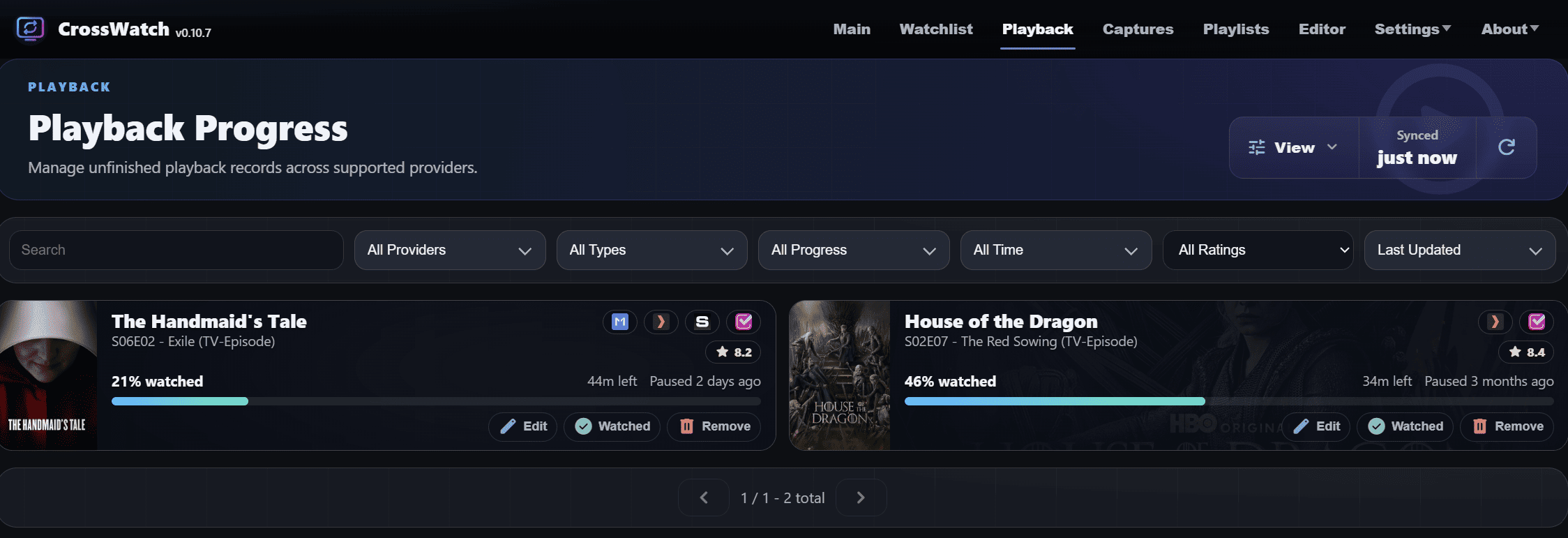
Interactive Sync
Review additions, updates and removals before applying them. Resolve conflicts and correct titles, IDs, seasons and episodes.
Watchlists, ratings, history and progress
Keep media state aligned across servers and trackers, including collections, separate rewatches and unfinished playback where supported.
Profiles for real setups
Build separate sync setups for different users, servers and trackers without mixing everyone into one account.
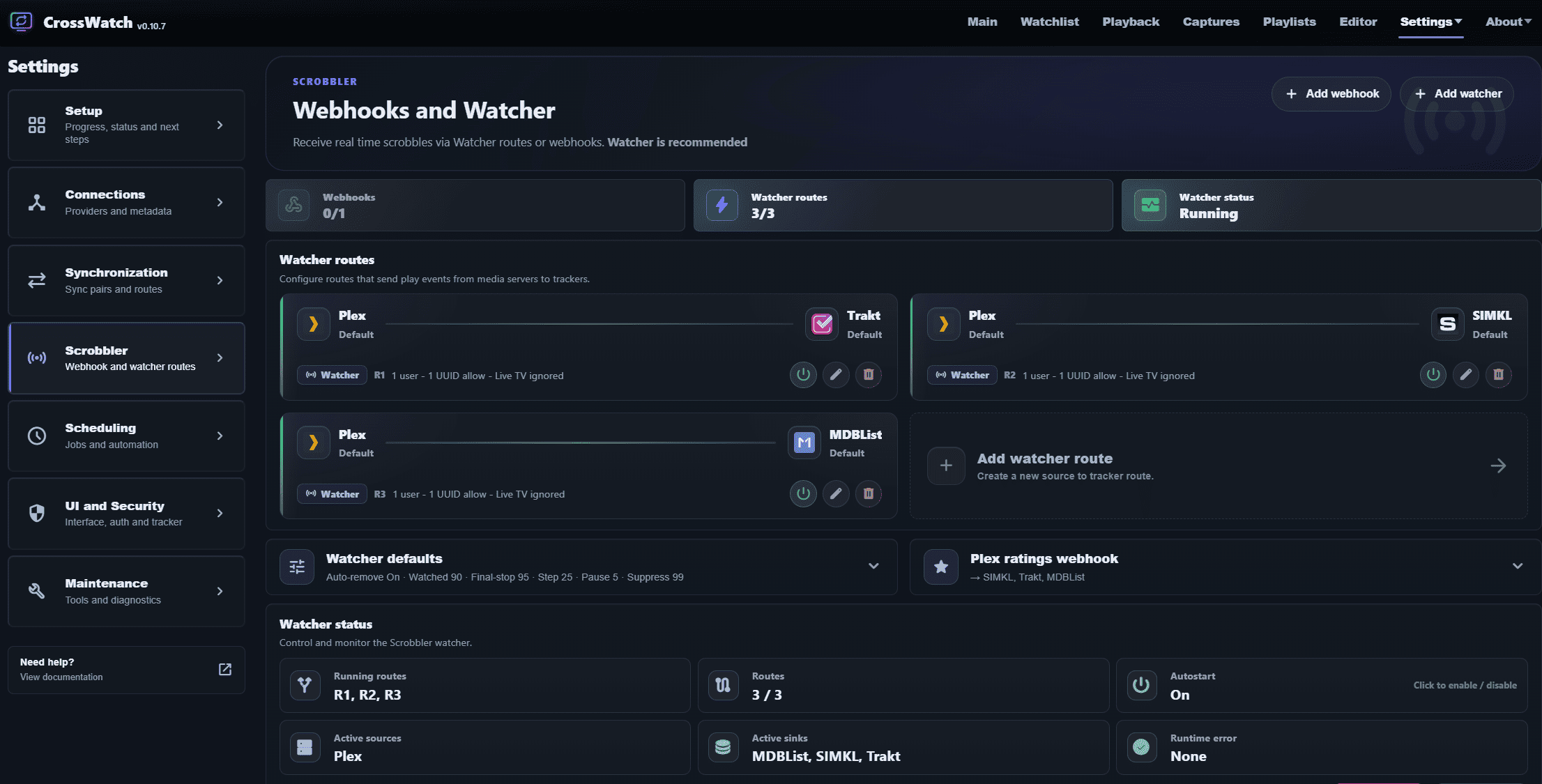
Watcher and webhooks
Send play events from Plex, Emby, Jellyfin, Kodi or Scrob to supported trackers with Watcher, without Plex Pass or Emby Premiere. Webhooks are also available for Plex, Emby and Jellyfin.
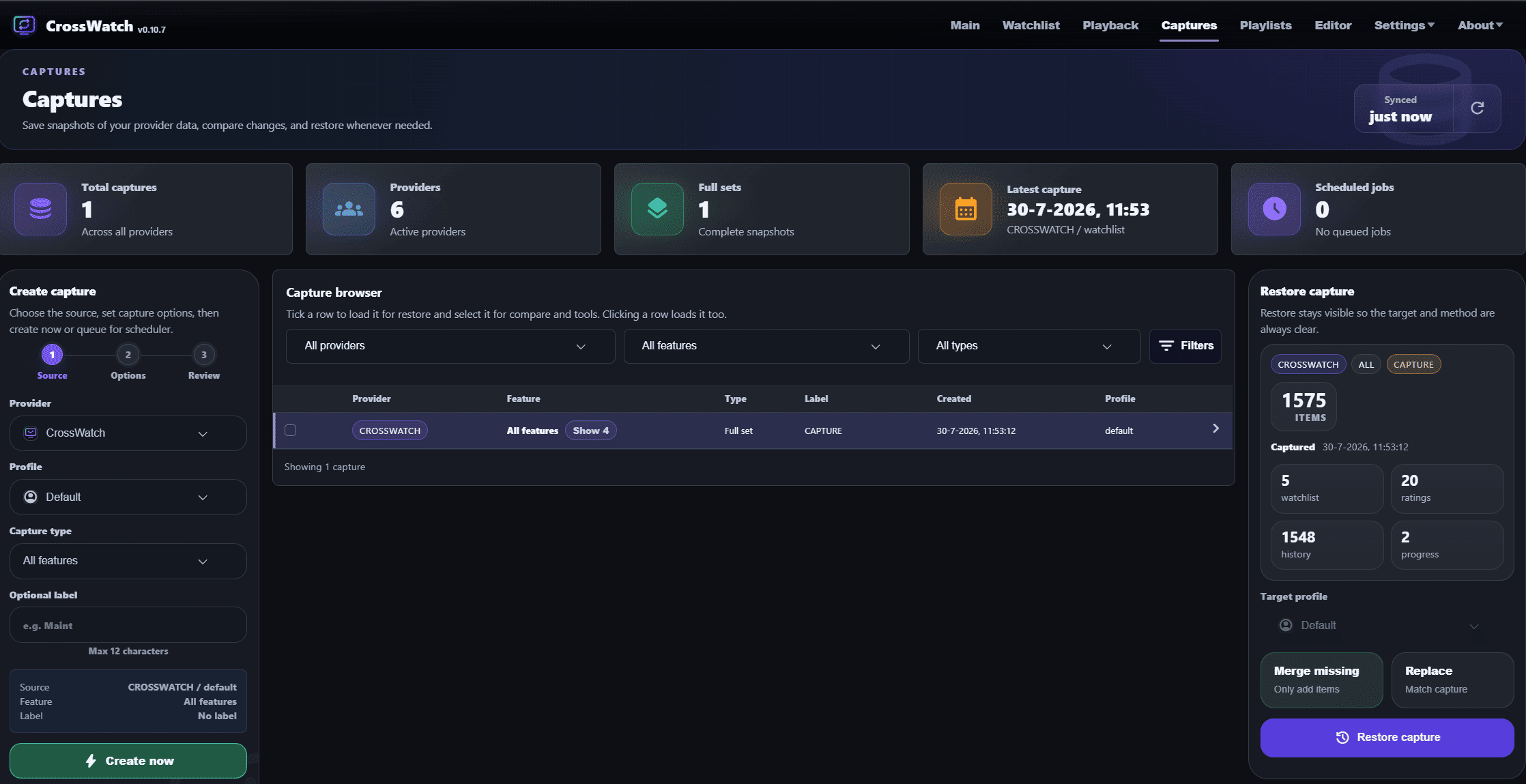
Snapshots and captures
Keep provider snapshots, compare changes and restore watchlist, ratings and history data when you need to recover.
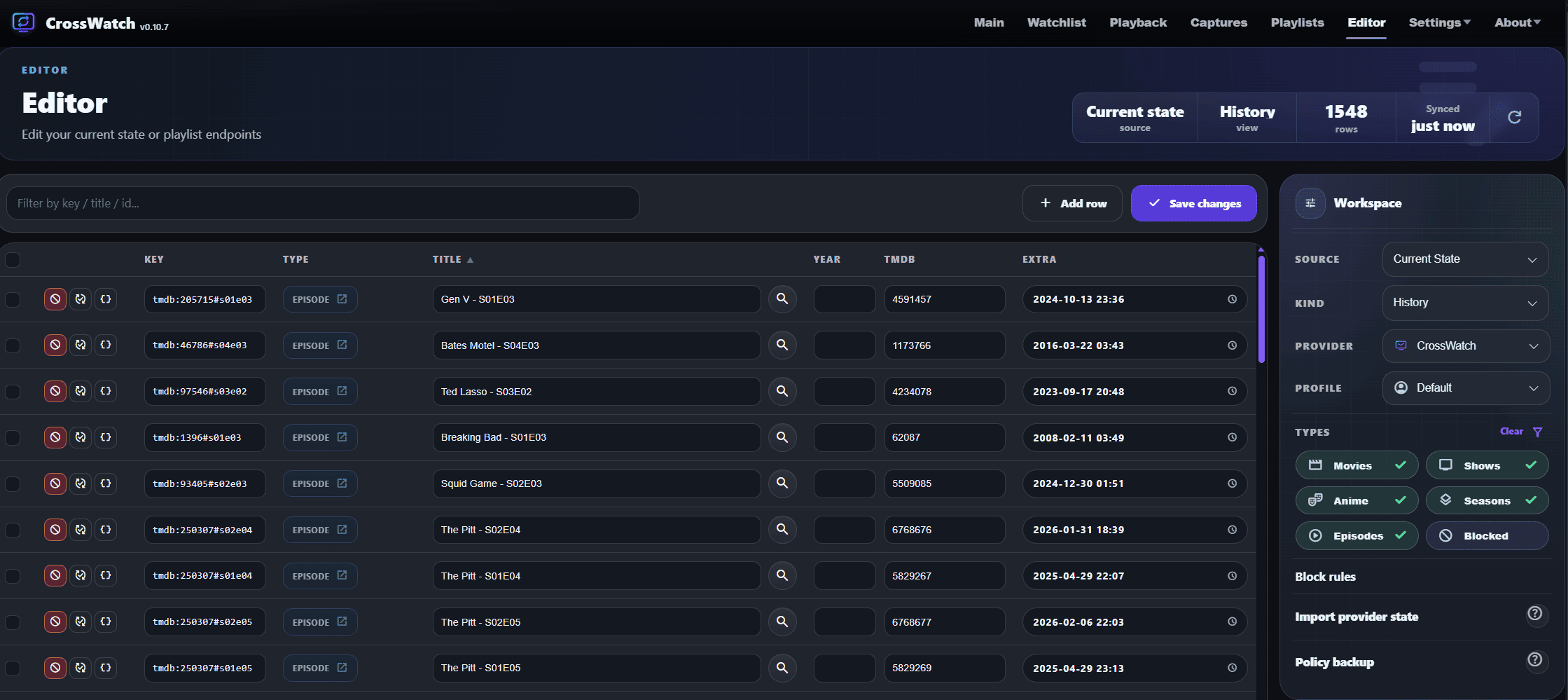
Analyzer and saved mappings
Find missing items and correct mappings for pending retries in Analyzer. Use the Editor to inspect, add or block items and review or edit saved mappings.
Sync topology advisor
Visualize your sync routes and identify overlapping paths between providers.
Events and live logs
Search sync history and open logs for a run. Filter live and saved logs by pair or run, highlight errors and keep logs for later.
Anime ID mapping
Match anime across AniList, MyAnimeList (MAL), Kitsu, SIMKL and CW tracker pairs with AniBridge, animeApi and custom mappings. Watcher and webhooks also support anime mapping for supported providers.
01
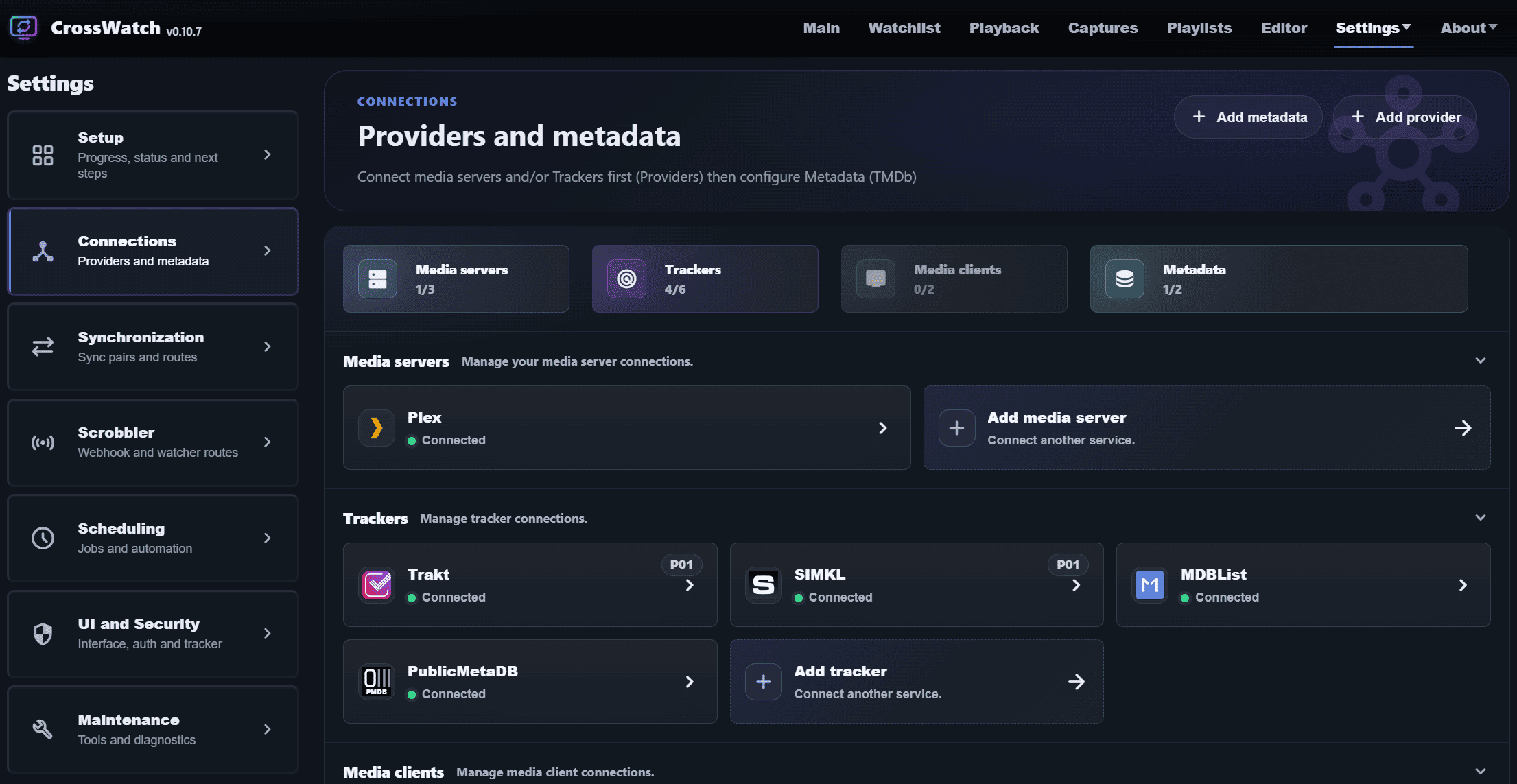
Connect
Add servers, trackers and metadata.
02
Pair
Choose what moves between providers.
03
Sync
Review changes with Interactive Sync, run automatically on a schedule or send play events through Watcher and webhooks.
04
Follow up
Open notifications for sync progress, pending reviews, reports and release updates. Use Events and Logs to investigate problems.
Kodi add-on
One Kodi profile, separate watch histories.
CrossWatch for Kodi reports playback and household viewers to CrossWatch. Set up a Watcher route for each viewer to keep their watch history separate. The add-on is currently in beta.
Docker first
Start local. Stay in control.
The web UI is exposed at http://localhost:8787. Set CW_CLI_ONLY=1 when you want API/CLI-only mode. Keep your config in a Docker volume and update with the latest image when you are ready.
docker run -d \
  --name crosswatch \
  -p 8787:8787 \
  -v crosswatch_config:/config \
  -e TZ=Europe/Amsterdam \
  --restart unless-stopped \
  ghcr.io/cenodude/crosswatch:latest
Support
Thanks for keeping CrossWatch moving.
Every cent from Buy Me a Coffee goes to the ALS Foundation in the Netherlands.

